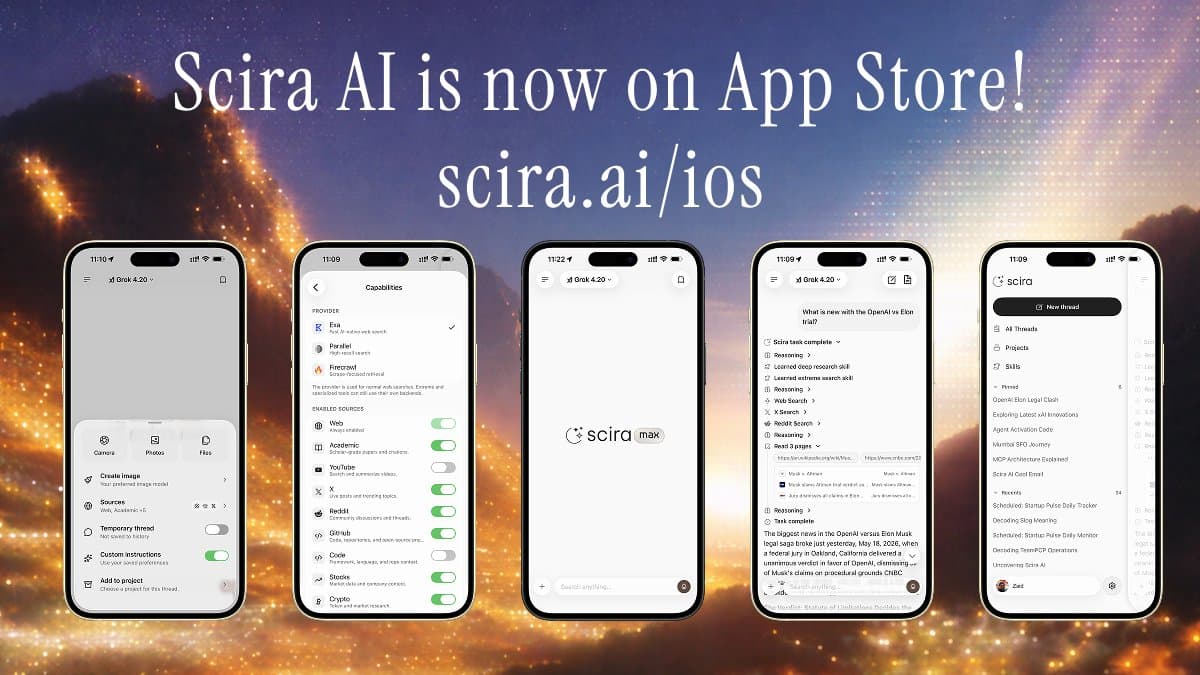
Today I'm shipping two things at once.
1. Scira is on the App Store#
AI research on your iPhone. Ask a question, pick your sources, get cited answers you can actually check.
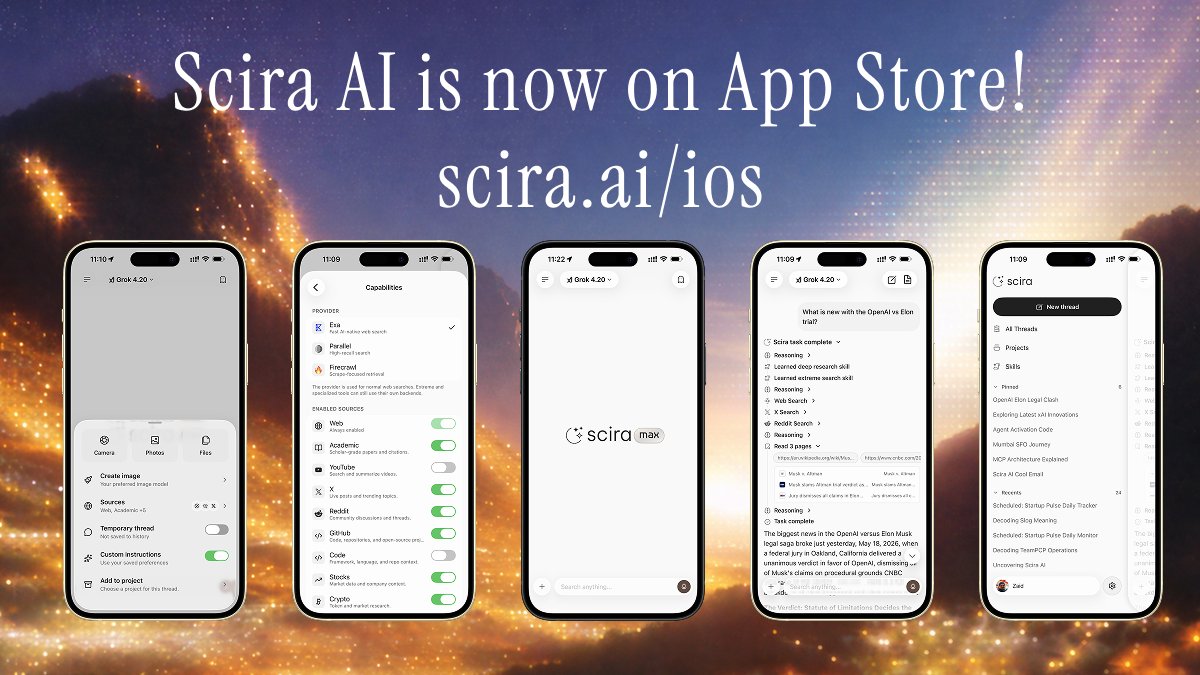 Scira iOS app
Everything you can do on the web is here:
- Sources you control — Web, academic papers, Reddit, GitHub, stocks, crypto
- File and photo attachments — drop in a PDF, an image, or a screenshot and ask about it
- Voice input — speak your question instead of typing
- Cited answers — every claim links to a source you can open and verify
2. Scira CLI#
Two things it does: research and code.
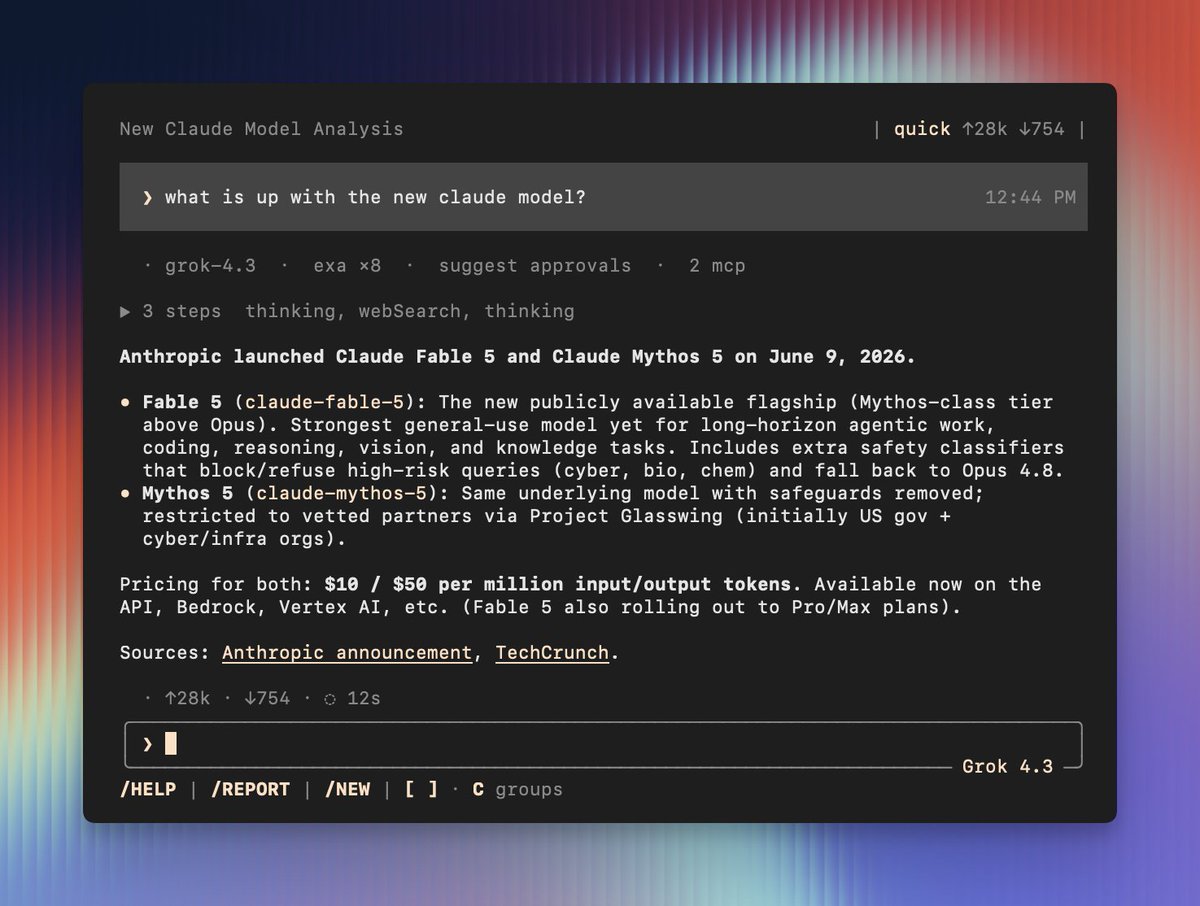 Scira CLI
Ask it a question and it searches the web, reads the actual pages, then writes a report where every claim links back to a source. If it can't back something up, it doesn't say it.
Point it at your codebase and it understands the structure, the patterns, and the intent before it writes a line.
Install#
npm install -g @scira/cliThen run scira init to configure your API keys.
Research#
# headless run — writes a report with cited sources
scira "compare Rust and Go for systems programming"

# interactive TUI with session history
sciraCode#
Point it at your project and ask questions or make changes. It reads the codebase context before responding.
scira new "explain the auth flow in this project" --tuiBoth are available now. The iOS app is free to download; Scira Pro unlocks the full model roster on both platforms.
ioscliresearchnew
