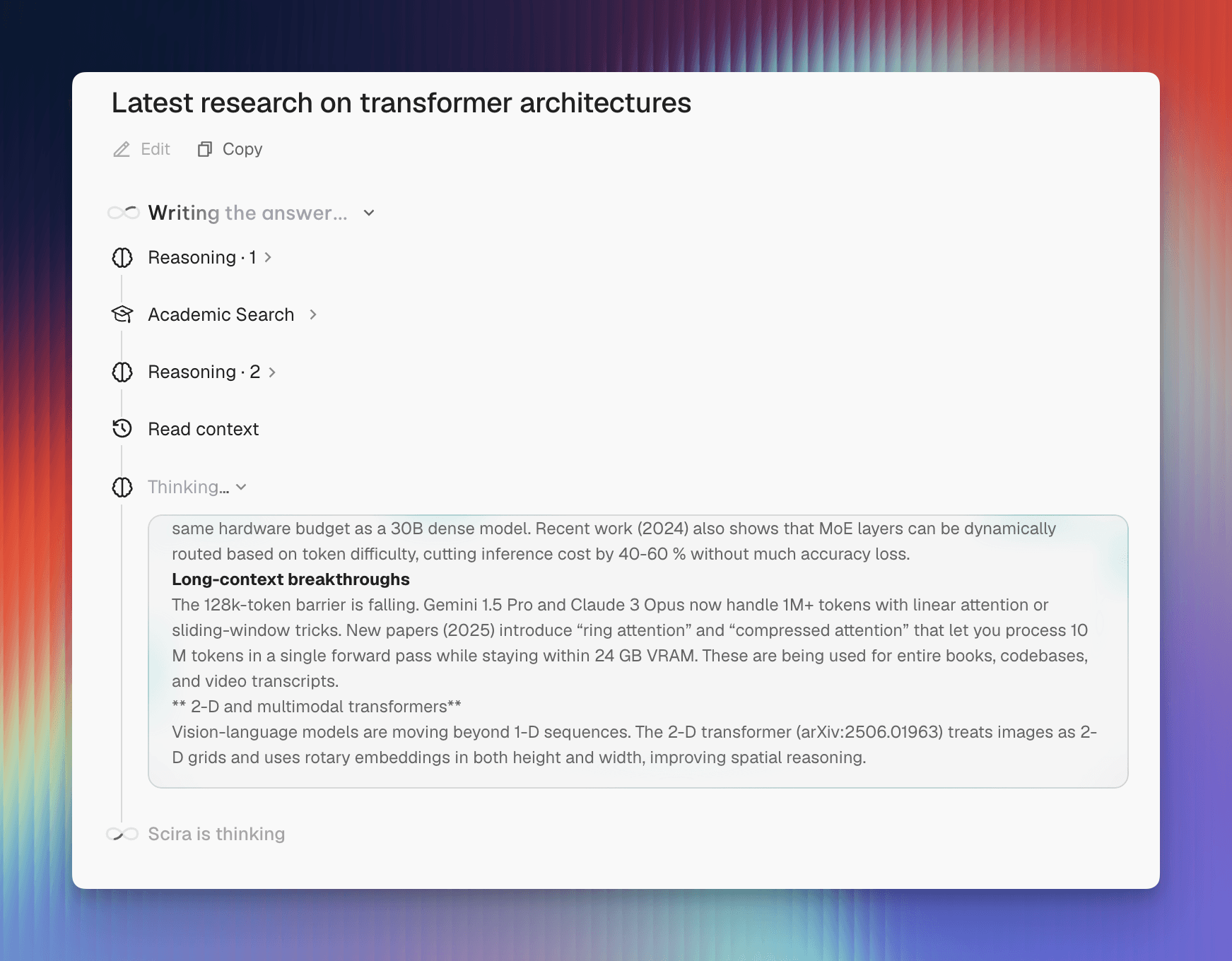
Every result an agent collects makes the next model call bigger. Read a page. Run another search. The window fills up, and the agent runs out of room while it still has work left.
Shortening those results is the obvious fix, and on its own it's wrong. The next question usually needs the number you just threw away. So the rule I settled on: anything that comes out of the working context has to have a way back in.
Two things do that work. Before each model step Scira checks the budget. In the background, a worker keeps summaries of older history ready. Neither touches the transcript you see in the chat, only what goes to the model.
A window with a budget#
Add a few results below and watch the two bars. The budget reserves room for the answer up front. Once estimated input crosses 70%, the guard swaps older tool results for previews and aims to get back down to 50%. Past 90% it refuses to make the call at all.
01 / Make room
Add another search result
See how much of the next request is taken up by research.
Sent
14/ 24k
Raw
14k
Archived
0
Conditions
Shrink the window or turn compaction off. Same research, different budget.
Results fit without masking. Add more to cross the soft threshold.
Controls by DialKitWhy hold back that much? Because the estimate is a guess. It counts text, message overhead, tool schemas and the reserve for attachments, and none of that matches the provider's tokenizer exactly. When real usage comes back higher than predicted, later steps inherit the correction.
The window in the diagram is small so the behavior is visible. The controls only move the diagram. Scira's thresholds are fixed at 70, 50 and 90.
Keep the address, shrink the payload#
A short preview usually tells you whether a search result is worth anything. It's useless when the thing you need is an exact measurement buried in paragraph nine.
So a large result gets archived before it ever reaches the model, and what goes out is a preview plus a reference to the full text. Older results go through the same path, including results from tools the provider runs itself. Shorten a preview a second time and its archive ID doesn't change.
02 / Get the detail back
What was the corrected latency?
The preview mentions a correction but leaves out the number. Open the source to check it.
The preview
Latency was corrected after verification. Deployment still requires approval.
Source 01 · incomplete
The original / 01
?.???ms
The measurement lives in the archived result. Follow its reference to bring the exact evidence back into view.
The preview above drops the corrected latency. Follow Source 01 and you can read it. The model does the same thing with read_context, which pulls exact Unicode character ranges out of the archive. Pages it retrieves stay put, or the budget guard would hide the detail the agent just went looking for.
Truncating the string would have been easier, and it destroys the only route back. A preview has to admit it's incomplete and carry a reference the model can act on.
Checkpoints happen off the request path#
Previews handle a single run. A conversation that goes on long enough needs its older history summarized as well, so Scira loads a checkpoint and then every message that came after it.
The worker splits history into immutable segments, summarizes each one, then merges the summaries a few at a time. Refreshing a checkpoint goes back to those segment summaries, not to the last checkpoint. A summary of a summary of a summary gives every small mistake room to compound. Starting from the segments avoids that, though detail still goes missing.
03 / Build a checkpoint
Summarize the completed history
Select a stage to see how four source segments become one checkpoint.
Working context
Completed history is split into immutable source segments.
Durable evidence
All four originals remain reachable at every stage.
01 · 02 · 03 · 04
The last two user turns stay raw, and the worker stops before anything waiting on approval. That check is fiddlier than it sounds. An MCP tool can hand back a pending approval nested in JSON inside a text result, and the worker has to spot it there too. No summary ever counts as permission to run a tool.
Then there's the race. You edit a message while the worker is busy summarizing it. Before publishing, it compares the history revision against how far the checkpoint reaches. Messages added after the checkpoint are fine. An edit invalidates the view the worker was working from, and a slow job can't stamp over a newer checkpoint.
Interrupted work is still evidence#
A tool can finish a second before the response stream drops. A retry shouldn't erase that. Every completed model step is saved before the loop advances, tagged with its user turn, stream ID and step number.
On retry, references to all recorded attempts come back in order, and the worker treats those records as source material. Keeping only the newest attempt would bury work that finished on an earlier one. Restoring the records doesn't rerun a tool, and it doesn't mark an unfinished response as complete.
Test what must survive#
I ran 200 seeded histories through it, drove a 100-step tool loop, and built a checkpoint out of 257 segments. Database tests overlapped edits and appends with checkpoint publication, then checked chat ownership, Unicode pagination, and recovery after an interrupted retry. The tool loop ran through SDK streaming. I also handed a live model histories with corrected facts and planted instructions in tool output, to see what came back.
Three bugs came out of that. Checkpoints were dropping interrupted work. Retries hid earlier attempts. Nested MCP approvals slipped past the completed-history check. Every failing case is a regression test now.
None of that means a summary will remember everything. It won't. That's the reason the originals stay: when the agent needs to check a number or a file path, or whether approval was actually granted, it can go read the source.
The demos use DialKit and Border Beam from libraries.dev. Both run locally in your browser.
engineeringagentscontext
